|
If you need to delete the Autodesk MapGuide ActiveX Control for any reason, and the control was installed manually, then it has to be removed via the Control Panel.
| • | Select "Add or Remove Programs" or "Programs - Uninstall a program" depending on your operating system. |
| • | Scroll down the list and find Autodesk MapGuide® Viewer ActiveX Control. |
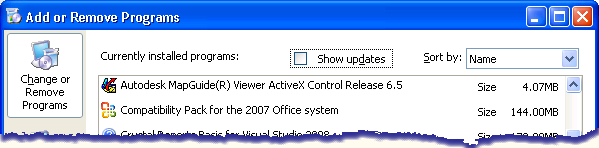
| • | Click on Autodesk MapGuide® Viewer ActiveX Control to highlight it. |
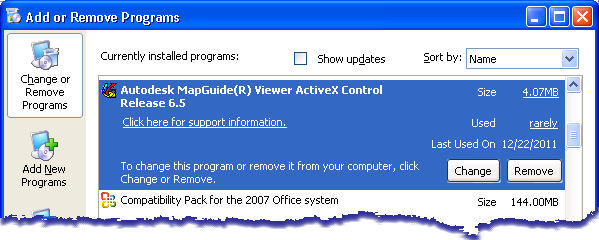
| • | Click Remove and you should see a confirmation box: |
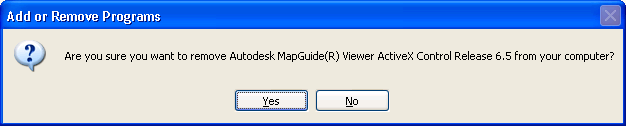
| • | Follow any prompts to uninstall the viewer |
|

